It usually shows up around 3 p.m. A dull ache low in your back, right where your belt sits. You shift, cross your legs, jam a cushion behind you, and twenty minutes later you're slumping again. If you've spent the last few months working from a dining chair or a ₹6,000 swivel that sagged after one season, that ache isn't a mystery. Your lower back has been holding itself up all day with nothing behind it.
That's the exact problem lumbar support is built to solve. Once you see what it does, the gap between a chair that wrecks your back and one that quietly protects it stops looking like marketing.
What your lower back is doing while you sit
Stand up for a second. Your spine isn't a straight line. It curves gently inward at the lower back, a shape called the lumbar curve. That curve carries your upper body and spreads the load so no single disc takes the hit.
Now sit on a flat chair and watch what changes. Your pelvis rolls backward, the lumbar curve flattens, and all that weight presses straight down into your lowest discs. Hold it eight hours a day, five days a week. That slow grind is behind most desk-job back pain.
"Sit up straight" won't save you, because nobody holds a muscle contraction for eight hours. You'll last ten minutes. Then the muscles tire, you slump, and the curve flattens again. The fix isn't willpower. It's something filling the space behind your lower back so the curve holds on its own.
Type "lumbar support back pain" into a search bar and you'll get a wall of results, most of them selling clip-on cushions. A cushion can help in a pinch. But it slides around, it sits at the wrong height, and it does nothing for the rest of your posture.
How lumbar support in office chair design prevents back pain
Here's the mechanical bit, kept simple. Lumbar support in office chair design works by placing a firm, contoured surface exactly where your lumbar curve sits, so your lower back leans on something instead of holding itself up in mid-air.
Get that contact right and three things change at once. Your pelvis stops rolling back. The lumbar curve keeps its natural shape. And the pressure that was crushing your lowest discs spreads back across the whole spine, the way it does when you stand. Disc pressure drops the moment your back is properly supported and slightly reclined.
There's a catch. Lumbar support in office chair models only helps if it lands where your curve sits, and no two bodies are the same. Support that's perfect at 1.6 m sits too low on someone who's 1.8 m. That's why a fixed lump of foam in a cheap chair often makes things worse: it shoves the wrong part of your back forward. The better chairs let you slide the support up and down and adjust how hard it pushes. The best ones track your spine as you move. That adjustability is the real lumbar support back pain fix, not the word "ergonomic" printed on a box.
Why an ordinary chair quietly makes it worse
Most people don't go shopping for an office chair for back pain until the pain has already arrived. The dining chair felt fine for the first week of working from home. Then the months stacked up.
A flat wooden seat gives your lumbar curve nothing to rest against. A soft sofa is worse. You sink in, your hips drop below your knees, and your spine rounds into a full slump. Plenty of cheap office furniture marketed for back-pain relief has a backrest that's dead straight, or curved so the "lumbar" bump lands up near your shoulder blades. That mismatch is the quiet engine behind a lot of lumbar support back pain complaints.
Then there are the slow failures. The gas lift that sinks mid-call until you're typing at chin height by four. The seat foam that flattens in a season, so you're basically sitting on the board underneath. A chair that earns the phrase best office chair for back pain holds its shape and its height for years, because the parts you can't see are rated for it.
What to look for in an office chair for back pain
Before you spend real money, this is what separates an office chair for back pain that works from one that only says so on the listing.
Adjustable lumbar. First and non-negotiable. You want to move the support up and down to match your height, and ideally set how firmly it presses. A fixed bump is a gamble. If you're specifically after an ergonomic office chair for lower back pain, this one feature outweighs everything else on the spec sheet.
Seat height. Feet flat on the floor, knees at roughly 90 degrees. If the seat won't drop low enough, your feet dangle and your thighs cop the pressure.
Seat depth. With your back against the lumbar support, leave two or three fingers of gap behind your knees. Too deep and you can't use the backrest without your calves complaining.
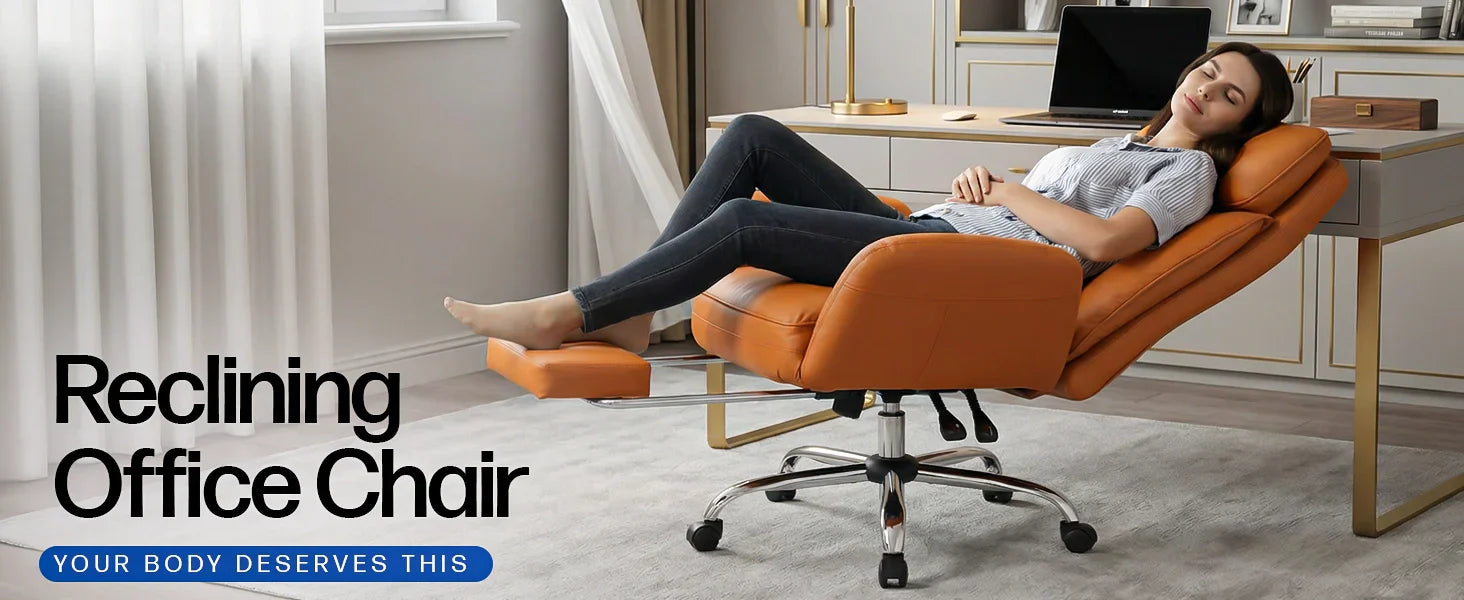
Recline and tilt-lock. Leaning back a little past upright opens your hip angle and pulls load off the lower spine. A chair that locks at a few angles lets you find that spot and stay there.
Build you can trust. The unglamorous one. The gas cylinder, the base, the caster wheels these decide whether the chair still works in year three. Look for a stated, tested weight capacity. A solid ergonomic office chair for lower back pain isn't just the backrest; it's the whole frame staying put under you.
Mesh or cushioned. Mesh breathes, which matters when your shirt's stuck to your back by noon in a Chennai summer. Cushioned foam feels plusher on day one but traps heat. A lot of good chairs split it: mesh back, foam seat.
The Drogo SitSmart: adaptive lumbar that follows your spine
If you'd rather not assemble all that from a checklist, the Drogo SitSmart Ergonomic Office Chair is built squarely around the lower back.
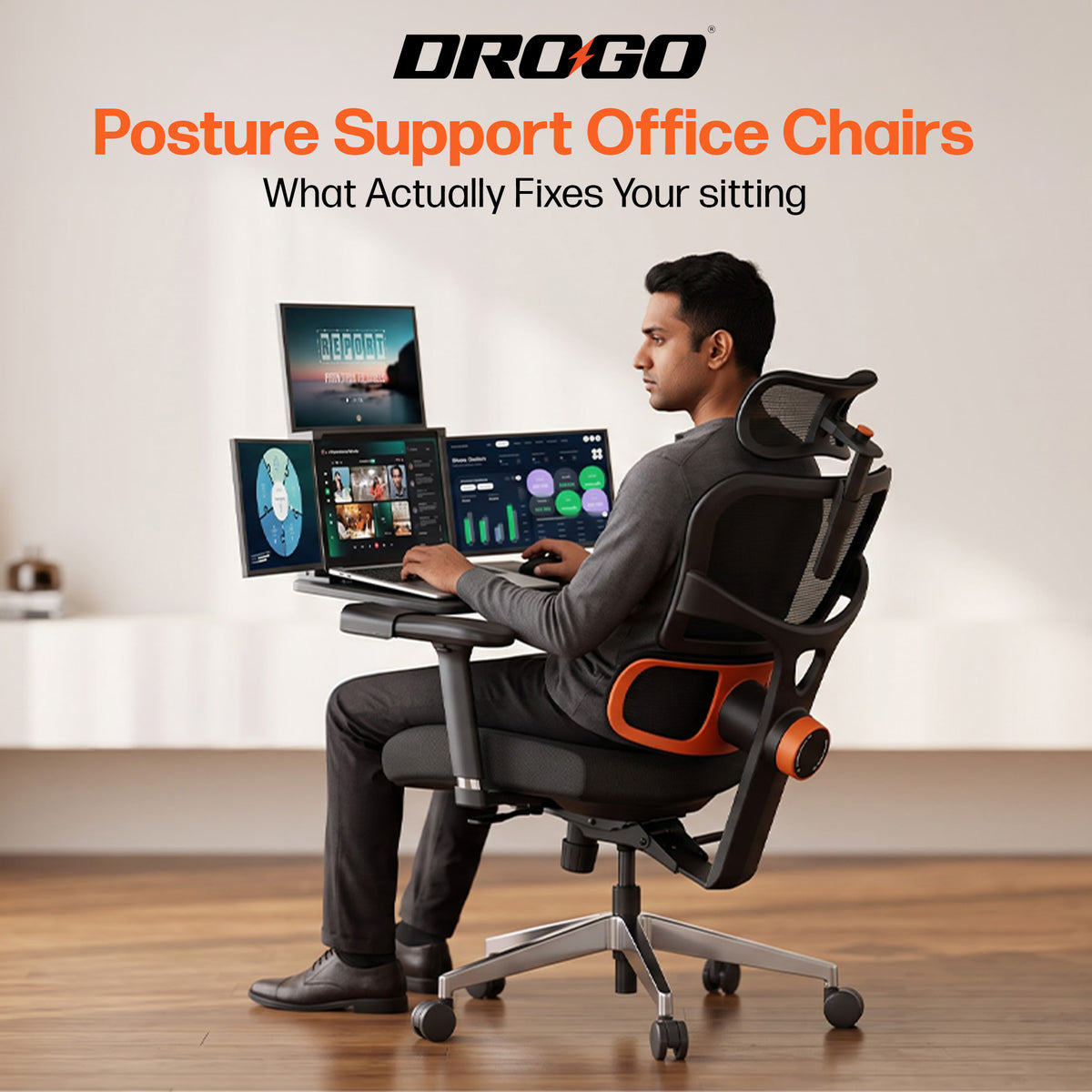
Its headline feature is adaptive lumbar tracking. Instead of a knob you set once and forget, the support follows the movement of your lumbar spine through the day, and you can still dial how strongly it pushes. Lean in to read, sit back to think, and it stays in contact with your curve either way. That's lumbar support in office chair form doing precisely its job: holding the curve so your muscles don't have to.
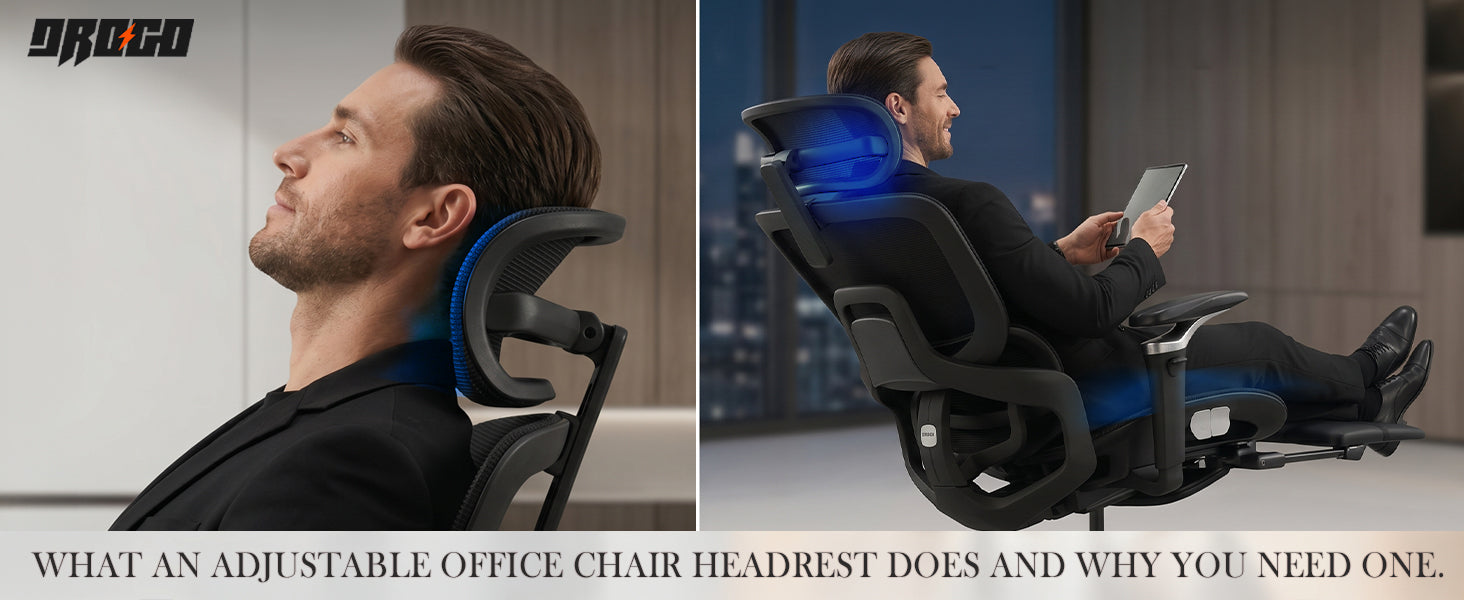
The rest of the sheet backs it up. The backrest is breathable mesh over a high-density memory-foam seat, so your back stays cool while the seat stays plush. The whole back tilts and locks anywhere from 96 to 126 degrees. The armrests adjust in four directions, the headrest moves for height and angle, and the seat lifts, lowers, and slides. There's a retractable footrest for breaks. Underneath, the caster wheels and gas cylinder are SGS-tested and the chair is rated to 125 kg, so the height you set in week one is the height you get in year three. It carries a 3-year warranty, and at ₹34,989 (down from ₹59,990) it sits in the serious-chair bracket, not the disposable one.
Is it for everyone? No. If you're at a desk an hour a day, it's more chair than you need, and that footrest will mostly sit unused if you're heads-down typing. But for eight- and ten-hour days, this is the kind of chair your spine simply stops noticing. Which is the entire point.
Setting it up so the support works
A great chair set up wrong still hurts. Even the best lumbar support in office chair design only pays off once it's dialled to your body, so give it five minutes.
Start with seat height. Feet flat, knees level with or just below your hips. Now the lumbar: raise or lower it until the firm part presses right at your belt line, into the small of your back, not up by your ribs. Set the depth so two or three fingers fit behind your knees. Recline a touch and lock it where leaning feels supported rather than tippy. Bring the armrests up until your shoulders drop and your elbows rest near 90 degrees. Last, the screen: top of the monitor at eye level so you're not craning down. Get those right and the lumbar support back pain cycle of ache, shift, slump, repeat stops kicking in by mid-afternoon.
Frequently Asked Questions
Does lumbar support really prevent back pain, or is it just marketing?
It does help, as long as it fits you. The lumbar support back pain link is well established: supporting the lumbar curve keeps your pelvis upright and takes pressure off your lowest discs. The marketing part is slapping "ergonomic" on chairs with a fixed, badly placed bump. Adjustable support is what makes the real difference.
What should I look for in an office chair for back pain on a budget?
If money's tight, prioritise one thing above all: adjustable lumbar height. Drop the fancy headrest before you drop that. A mid-range office chair for back pain with movable lumbar support and a decent gas lift will do far more for you than a flashy chair with a frozen backrest.
Mesh or cushioned which is better for lower back pain?
Both can work, because it's about the support, not the surface. For an ergonomic office chair for lower back pain in a hot climate, a mesh back keeps you cool while still holding your spine, and a foam seat under it stays comfortable through long sittings. The SitSmart pairs exactly those two.
How much weight should a good office chair support?
Look for a clearly stated, tested number. A capacity around 110 to 125 kg covers most adults with a real safety margin, and it doubles as a clue to how solid the frame is. The Drogo SitSmart is rated to 125 kg, with SGS-tested wheels and cylinder.
Where exactly should the lumbar support sit on my back?
At your belt line, the inward curve of your lower back, roughly level with your navel. If it's pushing your mid-back or shoulders, it's set too high and it'll create fresh aches. Adjustable chairs let you slide it to the right spot, which is the whole reason adjustability matters.
Can the right chair fix back pain I already have?
A good chair removes the daily cause, which is most of the fight, and a lot of people feel the change within a couple of weeks. But the best office chair for back pain still isn't a medical device. If your pain is sharp, shooting, or just won't ease, see a doctor or physiotherapist while you sort out your setup.
Your back doesn't need a wellness philosophy. It needs something solid behind it for the eight hours you're parked at the desk. Get the lumbar support right the height, the firmness, the fit and that 3 p.m. ache stops being a fixture of your afternoon. If you want a chair that takes care of it without fuss, the Drogo SitSmart is a sound place to start.
Want more on sitting better, dialing in your desk, and getting the most out of your chair? Follow Drogo on Instagram and Facebook that's where the setup tips, new launches, and the occasional deal worth grabbing land first.