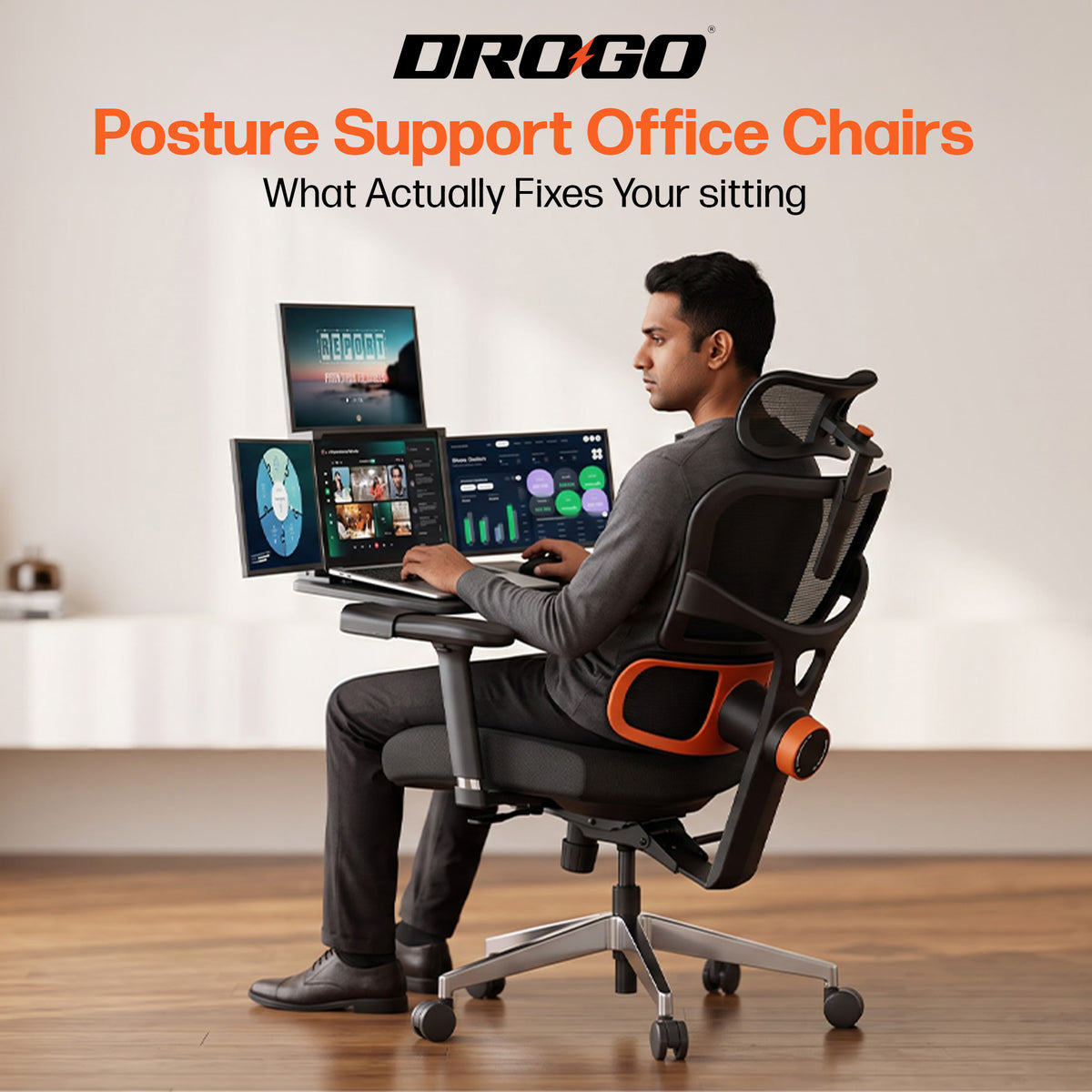
Your calendar is packed. Your coffee is halfway done. You’re three meetings deep, your inbox is doing its thing, and suddenly your lower back decides it has had enough. Relatable?
If you work from home, spend hours at a desk, create content, or game after work, your chair is more than just a place to sit. It’s part of your everyday setup. And when your back feels uncomfortable, even a simple workday can feel like a marathon.
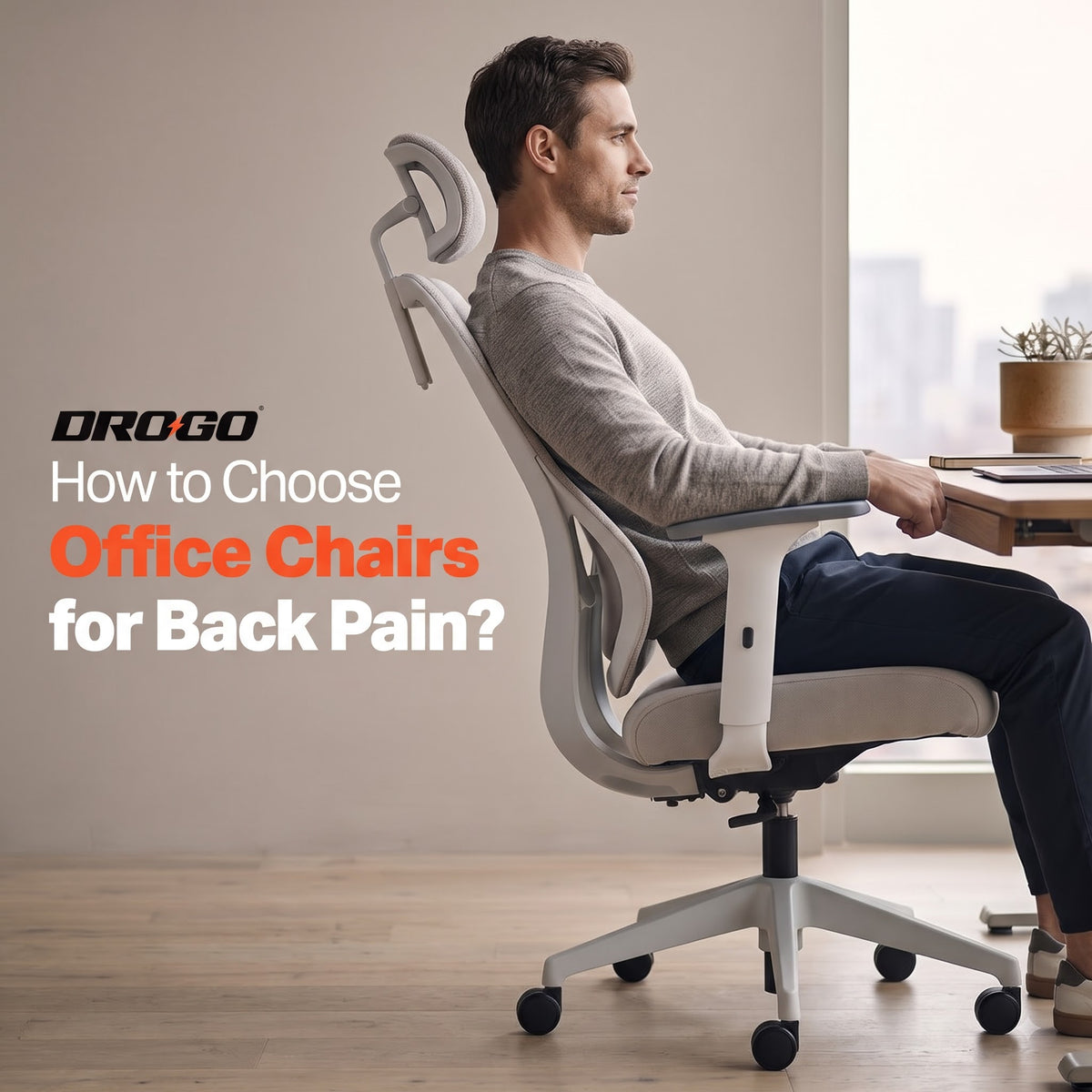
Finding the right office chair for back pain starts with understanding what your body needs. Think adjustable support, a comfortable seat, room to move and a setup that fits your height. No complicated ergonomics degree required.
Let’s break it down.
Why Does Your Office Chair Matter?
Long hours at a desk can leave you feeling stiff, especially when your chair doesn’t fit your body or your workspace. Maybe the seat feels too deep, your feet dangle, or you keep leaning forward to see your screen. Those little annoyances can add up over the day.
A well-fitted ergonomic chair can help you sit more comfortably by supporting your lower back, keeping your arms relaxed and allowing you to adjust your position. But here’s the catch: even the best office chair for back pain won’t replace regular movement or professional advice when pain persists.
The goal isn’t to sit perfectly still for eight hours. It’s to create a setup that works with you, not against you.
6 Things to Look for in an Office Chair for Back Pain
1. Adjustable Lumbar Support: Give Your Lower Back Some Love
Your lower back has a natural inward curve. A chair with suitable lumbar support helps support that curve instead of leaving your back to do all the work.
Look for lumbar support that can be adjusted to match where your lower back needs it. Height adjustment is useful, while additional depth adjustment can help you fine-tune the fit.
Why does this matter? Because support that feels great for one person might feel awkward for another. Your body, your fit.
If you’re comparing ergonomic office chairs for back pain, prioritise adjustability over flashy features. A chair with multiple lumbar settings can make it easier to find a comfortable position for your workday.
2. Seat Height and Depth: Get the Fit Right
Your feet should rest flat on the floor, or on a footrest if needed. Aim to keep your thighs supported and your knees roughly level with your hips. Your seat should also leave a little space between its front edge and the back of your knees.
A seat that’s too high can leave your feet hanging. One that’s too deep may push you forward or make it harder to use the backrest properly.
This is especially important if you’re looking for an office chair for tall person. Taller users may need more seat depth and a higher backrest, while shorter users may need a seat that doesn’t push against the backs of their knees.
Don’t shop by looks alone. Check the chair’s dimensions and adjustment range against your body.
3. Adjustable Armrests: Less Shoulder Drama
Ever noticed your shoulders creeping towards your ears while you type? Your armrests might not be doing you any favours.
Adjustable armrests let you position your elbows comfortably close to your body while keeping your shoulders relaxed. Depending on the design, you may also be able to move them forward, backward or sideways.
This is handy for professionals switching between typing, video calls and creative work. Your arms get support without forcing you into an awkward position.
When choosing an office chair for back pain, remember that comfort is about the whole setup - not just the backrest.
4. Breathable Mesh: Stay Cool While You Work
Long work sessions can get uncomfortable when your chair traps heat. That’s where a mesh back office chair can be a practical option.
A breathable mesh back allows airflow and can feel less stuffy during long hours at your desk. Some designs also offer flexible back support, although the feel depends on the mesh and chair construction.
Pair that with a seat that feels comfortable and supportive for your body. Mesh isn’t automatically better for everyone, and a cushioned backrest may suit some people more.
The key is to find a mesh back office chair that combines airflow with a backrest shape and support settings that work for you - not simply one that looks sleek in your setup.
5. Recline and Tilt: Change Your Position
Your chair doesn’t have to keep you locked in one position. A recline function lets you lean back when reading, thinking through a brief or taking a screen break.
Look for a backrest that moves smoothly and, where available, offers tilt-lock settings. Reclining can give you another comfortable position throughout the day, but it shouldn’t be treated as a fix for back pain.
A well-designed office chair for back pain should help you adjust your posture rather than force you to hold one position from your first email to your last call.
6. Footrest: A Handy Extra for Relaxed Breaks
A footrest can be useful if you like to lean back during a break or want additional leg support. It’s important to distinguish between a built-in reclining footrest and a separate footrest used to position your feet while working.
If your feet don’t reach the floor when your chair is set at the right height for your desk, a separate footrest can help. A built-in one is more about stretching out when reclining.
An office chair with footrest can be a good option if you enjoy switching between focused work and relaxed breaks. Just remember to retract the footrest when you need to sit upright and work.
What If You’re Tall, Work from Home or Study for Hours?
One chair doesn’t fit every body or every workday. Your height, desk setup and the way you use your chair all matter.
Choosing an Office Chair for a Tall Person
If you’re tall, check the backrest height, seat depth, seat-height range and available legroom. Your headrest should also adjust to a comfortable position instead of pushing your head forward.
An office chair for tall person should give your thighs adequate support without pressing into the backs of your knees. If possible, check the chair’s measurements before buying rather than relying on labels like “high-back” alone.
Finding a Back Support Chair for Home
Working from the dining table or squeezing into a spare bedroom setup? Your chair should work with your desk, not leave you reaching for your keyboard or hunching towards your laptop.
For a back support chair for home, look for adjustable lumbar support, a suitable seat and armrests that allow relaxed shoulders. Keep your monitor at a comfortable viewing height, too. Even a good chair can’t compensate for a screen that makes you bend forward all day.
If you’re shopping for a back support chair for study, apply the same checks. Students, remote workers and creators all benefit from a setup that fits their bodies and allows them to change positions regularly.
Is a Mesh Back Office Chair Right for You?
A mesh back office chair is worth considering if you prefer airflow and a lighter-feeling backrest. Check that the mesh feels supportive rather than too firm or too loose, and that the lumbar support lands in the right place.
If you prefer a softer feel, compare the seat and backrest materials in person where possible. Comfort is personal, so don’t assume that one material works for everyone.
3 Drogo Chairs to Consider for Your Work Setup
Looking for an office chair for back pain with useful adjustment features? Here are three Drogo options to explore. Choose based on fit and features rather than assuming any one chair will suit every back.
1. Drogo Ultron Ergonomic Office Chair
Best for: People who want adjustable support and a built-in footrest.

Aerocurve features vertically adjustable lumbar support, 3D padded armrests, a breathable Korean elastic mesh back and a high-back design with neck support. It reclines up to 145° with tilt lock and includes an integrated footrest for breaks. It comes with a 3-year warranty.
If you’re considering an office chair with footrest, Aerocurve is worth a look for its combination of adjustability and reclining comfort.
2. Drogo Ergotune Ergonomic Office Chair
Best for: People who want more ways to personalise their seating position.

Ergotune offers 7-level front-to-back and up-down lumbar adjustments, 3D padded armrests and an adjustable 3D headrest. Its breathable Korean elastic mesh back and 135° recline with three tilt-lock positions make it versatile for work, study and breaks. It includes a 1-year warranty.

The extra adjustment options can help you fine-tune your fit. Check the chair’s dimensions to make sure the seat depth and height work for you.
The seat slider is especially useful to consider if seat depth is a concern. If you’re shopping for an office chair for tall person, compare the full seat and backrest dimensions before deciding.
Want more options? Explore More Drogo Office Chairs and compare the features that matter to your setup.
How to Set Up Your Chair for a More Comfortable Workday
Got your chair? Great. Now let’s make sure your setup is doing its job.
-
Adjust the seat height: Keep your feet flat on the floor or supported by a footrest, with your thighs comfortably supported.
-
Position the lumbar support: Adjust it so it meets the curve of your lower back without pushing you too far forward.
-
Relax your shoulders: Set the armrests so your arms can rest comfortably and your shoulders aren’t raised.
-
Bring your screen closer to eye level: Avoid leaning forward or looking down at your laptop for hours. A separate monitor or laptop stand may help.
-
Keep essentials within reach: Your keyboard and mouse should be close enough that you don’t have to stretch constantly.
-
Change positions regularly: Stand up, take a short walk or stretch throughout the day. A useful reminder is to move every 30 minutes or so.
Here’s the big takeaway: the best office chair for back pain is only one part of a comfortable workstation. Your desk, screen, movement habits and individual needs matter too.
Frequently Asked Questions
1. What kind of office chair is best for back pain?
Look for a chair with adjustable lumbar support, suitable seat height and depth, comfortable armrests and a backrest that allows you to change positions. The right office chair for back pain is one that fits your body and feels comfortable during your daily routine.
2. What kind of chair is best for back pain at home?
An ergonomic chair with adjustable support is a useful starting point for a home office. Make sure it fits your desk, keeps your feet supported and lets you sit without reaching or slouching. A separate footrest can help if your feet don’t reach the floor comfortably.
3. What office chair is best for supporting back pain?
There’s no single chair that works for everyone. Prioritise adjustable lumbar support, a well-fitting seat and armrests that allow your shoulders to relax. If you’re comparing ergonomic chairs for back pain relief, try the adjustments and check how the chair fits your body.
4. What is the best chair for an L4-L5 disc bulge?
There isn’t one universally best chair for an L4-L5 disc bulge. A supportive, adjustable chair may help you find a more comfortable sitting position, but the right choice depends on your symptoms and individual needs. Ask your doctor or physiotherapist for guidance tailored to your condition, especially if sitting increases pain or causes symptoms down your leg.
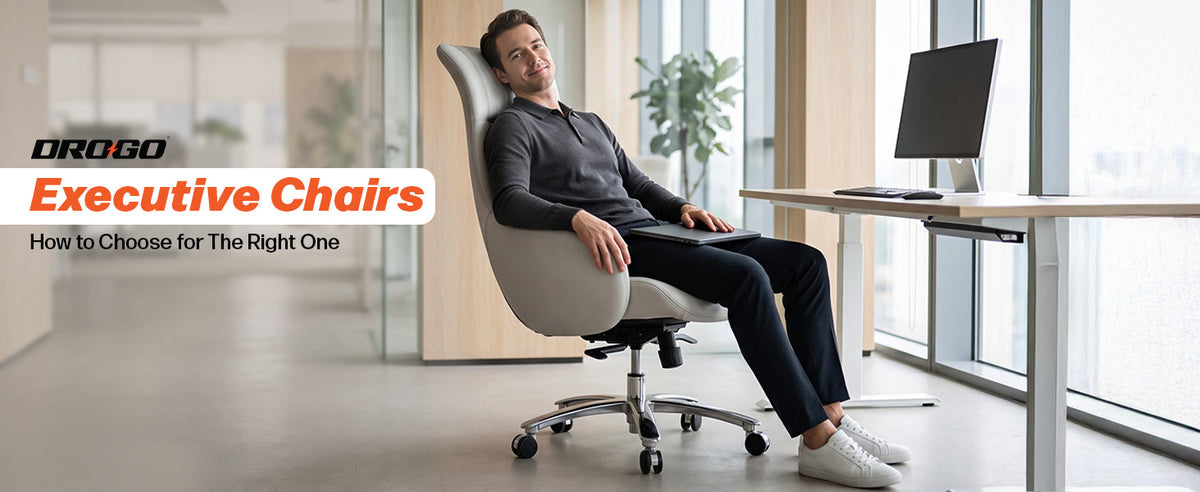
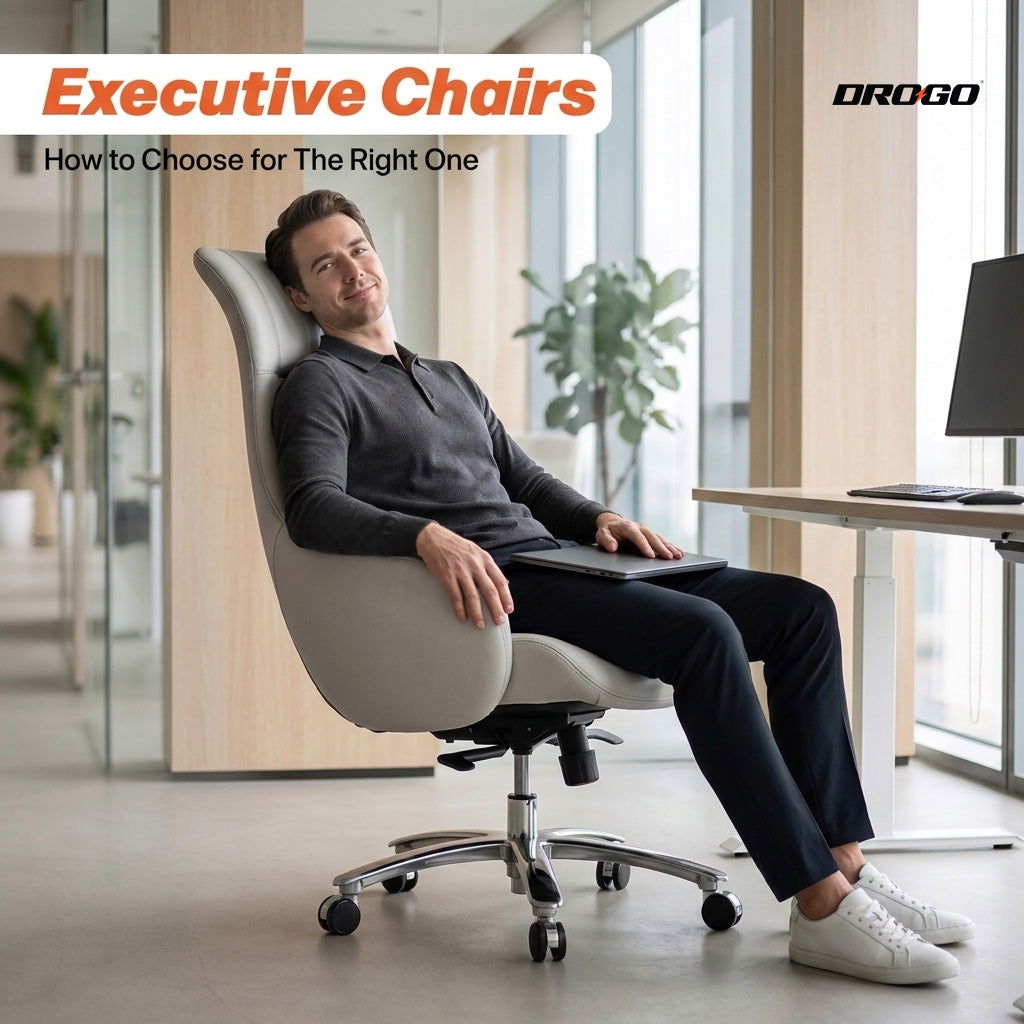
5. Are executive chairs good for back pain?
Some executive chairs offer supportive backrests and adjustable features, while others prioritise appearance over fit. Don’t choose based on the executive label alone. Check lumbar support, seat dimensions, armrests and recline options before deciding.
6. Is a mesh back office chair better than a cushioned chair?
Not necessarily. A mesh back office chair may offer better airflow, while a cushioned backrest may feel softer to some users. The better option is the one that fits your body, provides comfortable support and suits your preferences.
7. Is an office chair with footrest worth it?
An office chair with footrest can be useful for stretching out while reclining. However, a built-in footrest isn’t a substitute for proper foot support when sitting upright at your desk. If your feet don’t reach the floor at the correct seat height, a separate footrest may be more suitable.
Final Thoughts: Your Setup Should Work for You
Your chair shouldn’t be another thing you have to fight through during a busy workday. Look beyond the design, focus on the adjustments you’ll actually use, and make sure the dimensions suit your body.
Whether you need a mesh back office chair, an office chair for tall person, or an office chair with footrest, prioritise fit, support and flexibility over a long list of features.
Explore Drogo’s ergonomic range, find the setup that works for you, and remember to give yourself regular movement breaks. Your next productive workday deserves a better seat.
Note: This article is for general information, not medical advice. If your back pain persists, is severe, or comes with numbness, tingling or weakness, consult a healthcare professional.